Cleaning you can trust. Nothing disappears without preview, confirmation, and undo.
Overview
CleanForge is a secure and transparent optimisation tool for Windows, conceived as a modern alternative to programmes like CCleaner. Its guiding principle is trust through control. Nothing is deleted unless you have seen it, confirmed it, and can reverse it if needed. There are no aggressive interventions in the registry, no hidden telemetry, and no unnecessary load on the system. CleanForge is being built as a lightweight desktop application on top of Tauri, Rust, and React. The suite is already built out to a high degree and runs as a finished Windows installer; what remains before the public release is mainly code signing and final polish.
The Challenge
Classic PC cleaners have earned themselves a dubious reputation over the years. They often delete more than necessary, dig deep into the registry, show advertising, and quietly collect data about user behaviour in the background. Anyone who has ever lost important files by accident rightly stops trusting such programmes. At the same time, every Windows system gradually accumulates gigabytes of temporary files, caches, and leftovers that block storage and slow the machine down. What is missing is a tool that genuinely helps with cleanup without leaving you afraid of destroying something important in the process.
Safe Cleaning
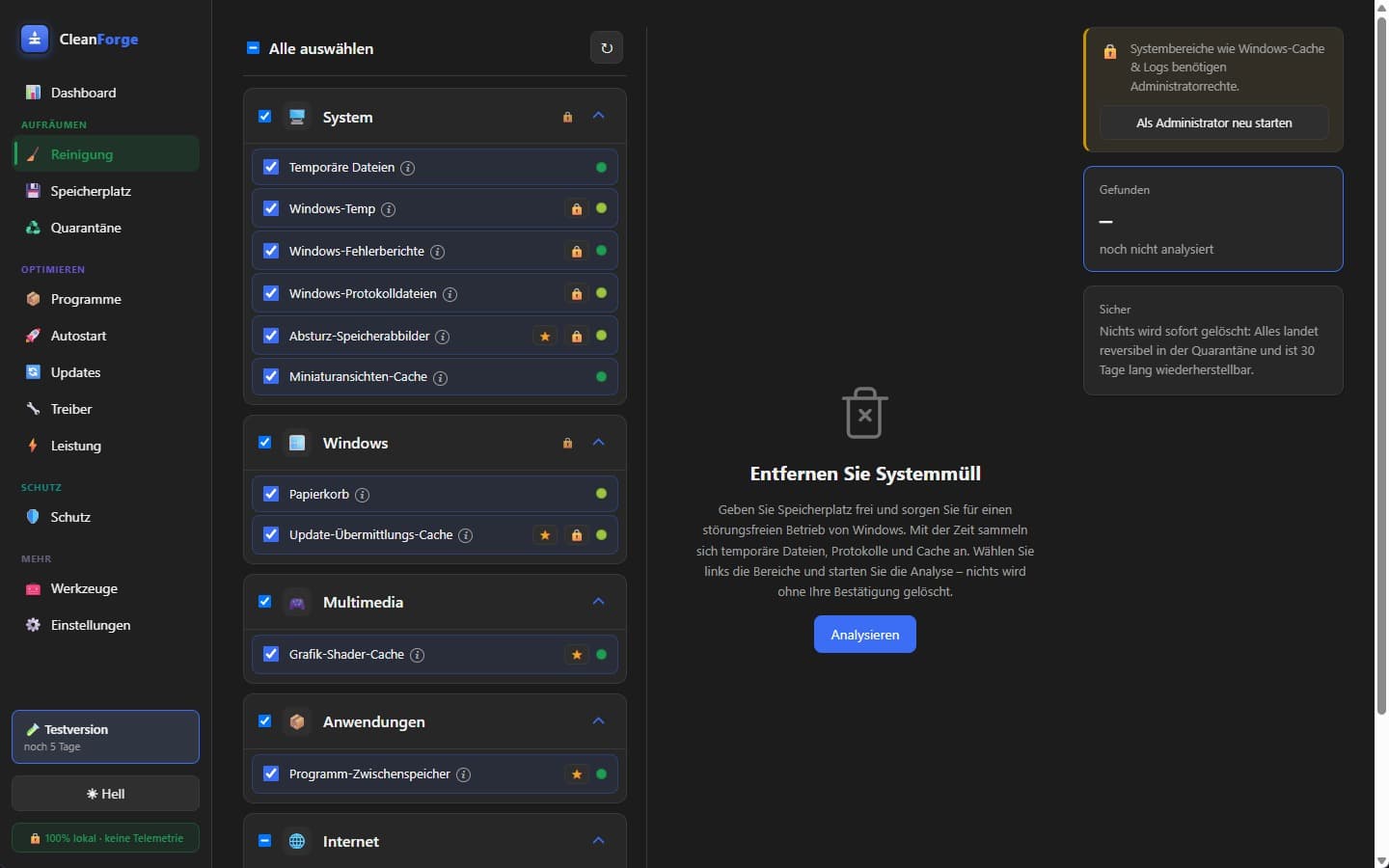
Scan, preview with path, size, and risk, then selection and only then cleaning. Modules may only read, never delete directly.
Quarantine Instead of Deletion
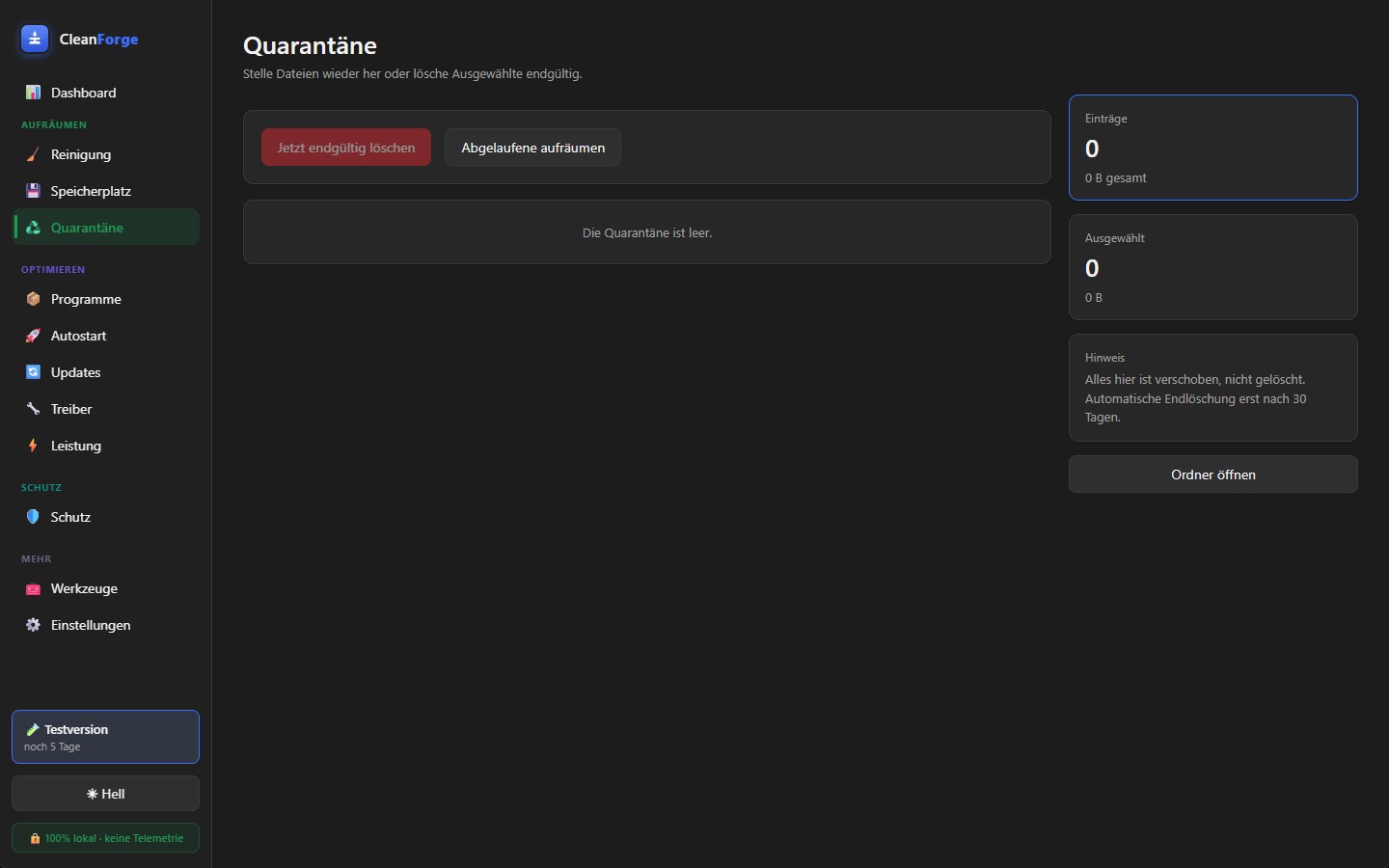
Every cleanup can be reversed for thirty days. On restore, a SHA-256 checksum verifies the integrity of the file.
Deep Cleaning
Thirteen modules for temporary files, system, thumbnail, and shader caches, Windows error reports, logs, and app caches, recycle bin, and browser cache, cookies, and history, with a cookie whitelist and a check for open browsers.
Storage, Duplicates & Programs
Storage analysis, duplicate finder, and uninstallation of programs and store apps with detection of leftover files.
Startup, Performance & Health
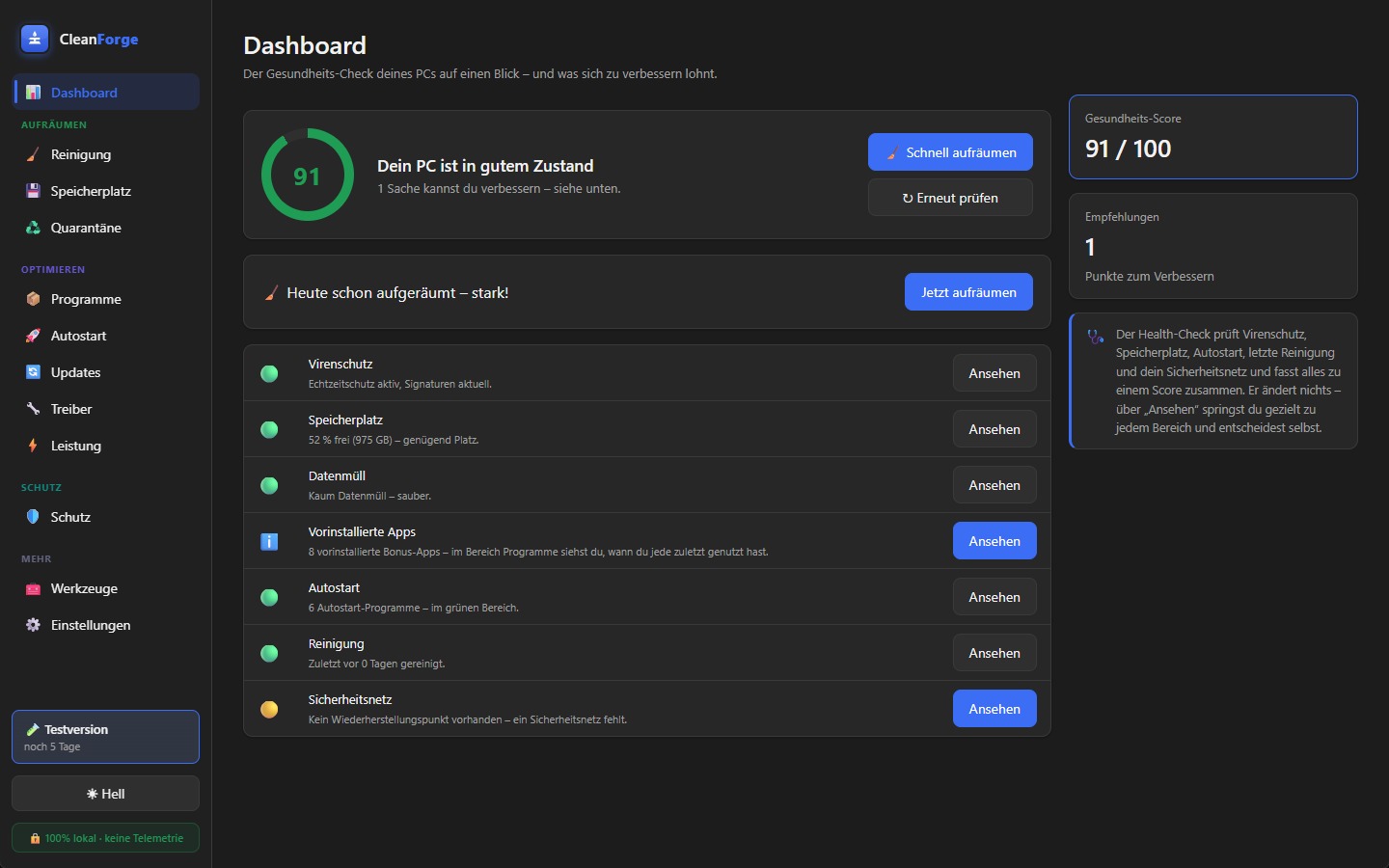
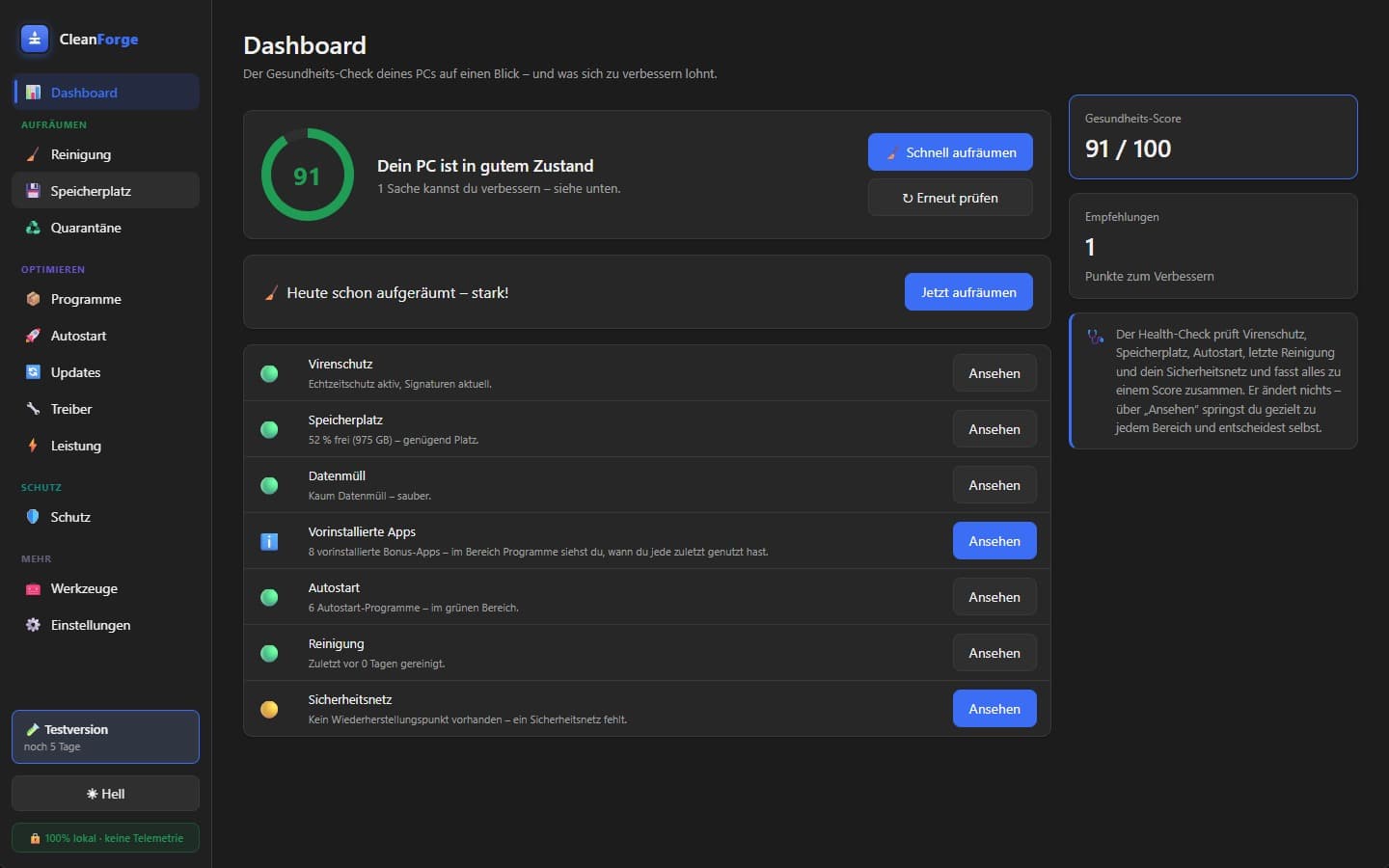
Disable startup items instead of removing them, a live view of system load, a health check, and a dashboard with the key metrics.
Updates, Drivers & Protection
Software updater based on winget, driver updates, Defender integration, and restore points before sensitive operations.
Tools & Architecture
Secure deletion, network and privacy tools, exclusion and cookie lists, plus a plugin system and its own licensing system.
Built for anyone who wants their Windows PC back up to speed — from gaming rigs to office laptops, ageing notebooks to PC repair shops. Whether you're a home user, a power user, in IT support, or simply privacy-conscious: if you want control instead of a black box, this is for you.
How We Got There
CleanForge keeps the interface strictly separate from the actual logic. The user interface runs as a React application inside a lightweight WebView and holds no system privileges of its own. All the work is handled by a core written in Rust that talks to the interface through type-safe commands. Every finding first lands in a local SQLite database, and as a rule nothing is deleted immediately. Instead, files are moved into quarantine, kept there for thirty days, and checked for integrity via a SHA-256 checksum when restored. Only after this period do expired entries disappear for good. Operations that require elevated rights run through an explicit Windows elevation prompt and are logged; isolating them into a separate service with a fixed allowlist is planned for the release. Thanks to Tauri, the installer stays very small at just a few megabytes and requires no additional runtime on the end user's machine.
The Outcome
CleanForge is already far more than a prototype. The safety core with quarantine, integrity checks, and an audit log is in place, and on top of it run thirteen cleaning modules, from temporary files through system, thumbnail, and shader caches, Windows error reports, logs, and app caches to browser cache, cookies, and history, complete with a cookie whitelist and a check for open browsers. On top of that come a storage analysis, a duplicate finder, a startup manager, a program uninstaller with leftover detection, a software updater based on winget, driver updates, Defender integration, restore points, and tools for secure deletion. A finished Windows installer (NSIS) exists, as does a licensing system whose license server is already live. Before the public release, what remains is mainly code signing against the SmartScreen warning, a signed auto-updater, and a separate system service for privileged tasks. After that follow premium features such as cloud synchronisation, remote management of multiple machines, and suggestions from an on-device AI. CleanForge is built from the ground up so that safety is not an option you have to switch on, but the default.
Complete optimisation suite
- ▸Safety core: quarantine with restore, SHA-256 check, and a 30-day window, audit log, exclusion lists, and cookie whitelist
- ▸Thirteen cleaning modules: temporary files, system, thumbnail, and shader caches, memory dumps, Windows error reports and logs, app caches, Windows update cache, recycle bin, and browser cache, cookies, and history
- ▸Analysis and maintenance: storage analysis, duplicate finder, startup manager, program uninstaller with leftover detection, live performance view, health check, and dashboard
- ▸Updates and drivers: software updater based on winget plus searching and installing driver updates
- ▸Security and tools: Defender integration, restore points, secure deletion, privacy settings, and network tools
- ▸A finished Windows installer (NSIS), plus a licensing system with an already-running license server
Hardening & public release
- ▸The installer is already built; next comes code signing against the SmartScreen warning
- ▷Signed auto-updater for updates directly from within the app
- ▷Final polish and public release
Convenience & reach
- ○Automatic maintenance with schedules and notifications
- ○Portable version with no installation
Outlook: in the long run, an open plugin SDK for adding your own cleaning modules is conceivable. This is deliberately not a fixed promise, just a direction CleanForge could grow in.